
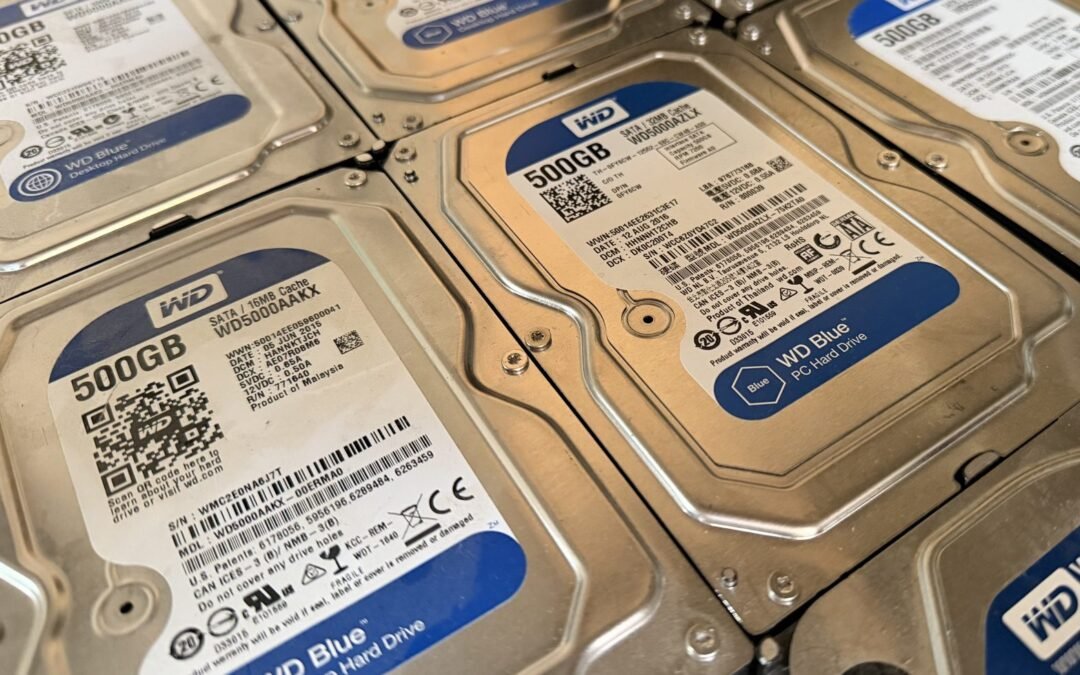
Every business and school ends up with a pile of old laptops, desktops and servers. When it’s time to clear them out, most people think about the hardware. The bigger risk is the data still sitting on the drives.
Staff emails, payroll files, client records, student details and saved passwords can all stay on a machine long after you think you’ve cleared it. Here’s why “delete” isn’t enough, what proper wiping looks like, and what to ask before you hand your gear to a recycler.
Why deleting files (or even formatting) isn’t enough
When you delete a file and empty the recycle bin, the computer usually just marks that space as free to use. The data itself is often still on the drive until something new is written over it. Free recovery tools can bring a lot of it back.
A quick format or a “reset this PC” can leave data recoverable too, depending on how it’s done and the type of drive. Solid state drives (SSDs) add another wrinkle, because of how they store and move data around internally. That’s why recognised guidance, like the US NIST Guidelines for Media Sanitization (SP 800-88), treats wiping as its own process with different methods for different kinds of media.
Your obligations under the Privacy Act 2020
If your organisation holds personal information about staff, customers or students, the Privacy Act 2020 applies to you.
- Principle 5 (storage and security) says you must take reasonable steps to protect personal information against loss, misuse and unauthorised access. That includes when you pass information to someone else to provide a service. Read Principle 5 on the Privacy Commissioner’s site.
- Principle 9 (retention) says you shouldn’t keep personal information for longer than you need it. Read Principle 9.
An old laptop going out the door with readable files on it is exactly the kind of situation these principles are about. The Act also requires organisations to notify the Privacy Commissioner and affected people about privacy breaches that are likely to cause serious harm, which is a headache nobody wants over a box of old computers.
What proper data wiping means
Proper wiping makes the data unrecoverable while (where possible) keeping the device usable. In practice that means:
- Using dedicated wiping software or the drive’s built-in secure erase, not just deleting or formatting.
- Wiping the whole drive, including hidden and recovery areas, not just the user folders.
- Checking the wipe worked before the device is reused or resold.
- Physically destroying drives that are faulty or can’t be wiped reliably.
The big bonus of wiping over smashing everything: a wiped computer can be refurbished and get a second life, instead of going straight to scrap.
Practical tips before you clear out old IT gear
- Make a list. Note what’s going: laptops, desktops, servers, external drives, USB sticks, phones and tablets. Don’t forget printers and copiers, which can have storage too.
- Back up what you need. Make sure anything important has been moved off before the gear leaves.
- Sign out and unlink. Remove devices from accounts and management tools so they can be reset and reused.
- Keep gear secure while it waits. A cupboard of old laptops in an unlocked storeroom is a risk in itself.
- Keep a record. Write down what went, when, and who took it. It’s handy if anyone ever asks.
What to ask your e-waste recycler
Not every recycler handles data the same way. Before you book a pick-up, ask:
- How will the drives be wiped, and what happens to drives that can’t be wiped?
- Can you tell me which devices were wiped or destroyed?
- What happens to the equipment afterwards: reuse, parts recovery or material recycling?
- Will anything end up in landfill?
A good recycler will be happy to answer all of these. Responsible e-waste handling is also something the government is pushing on, with electrical and electronic products named as a priority product for regulated product stewardship.
How we handle it at Infinite Recycling
We collect old IT equipment from businesses, schools and organisations across Manawatū and Hawke’s Bay, and we can travel further for larger loads. Every drive we take in is dealt with before anything is reused or recycled, and you choose the level of data security that suits you:
- Standard software wipe (free): every hard drive and SSD is wiped with data-erasure software before the device is refurbished, stripped for parts or recycled. This is included at no cost.
- Certified Blancco wipe (paid): for organisations that need proof, we wipe drives with Blancco, a certified data-erasure tool, and give you an erasure certificate for each device. This is ideal for schools, businesses and anyone with privacy or audit obligations.
- Physical shredding (extra cost): for the most sensitive data, or drives that are damaged and can’t be wiped, we can physically shred them so the data can’t be recovered.
Once the data is dealt with, we refurbish what can be reused, recover useful parts, and send the rest for proper material recycling, so as little as possible ends up in landfill. Not sure which option you need? Give us a call and we’ll talk it through and give you a price.
Book a pick-up
Got a storeroom of old computers you’ve been meaning to deal with? Call Simon on 020 4178 9006 or get in touch through our contact page to book a collection.
Recent Comments