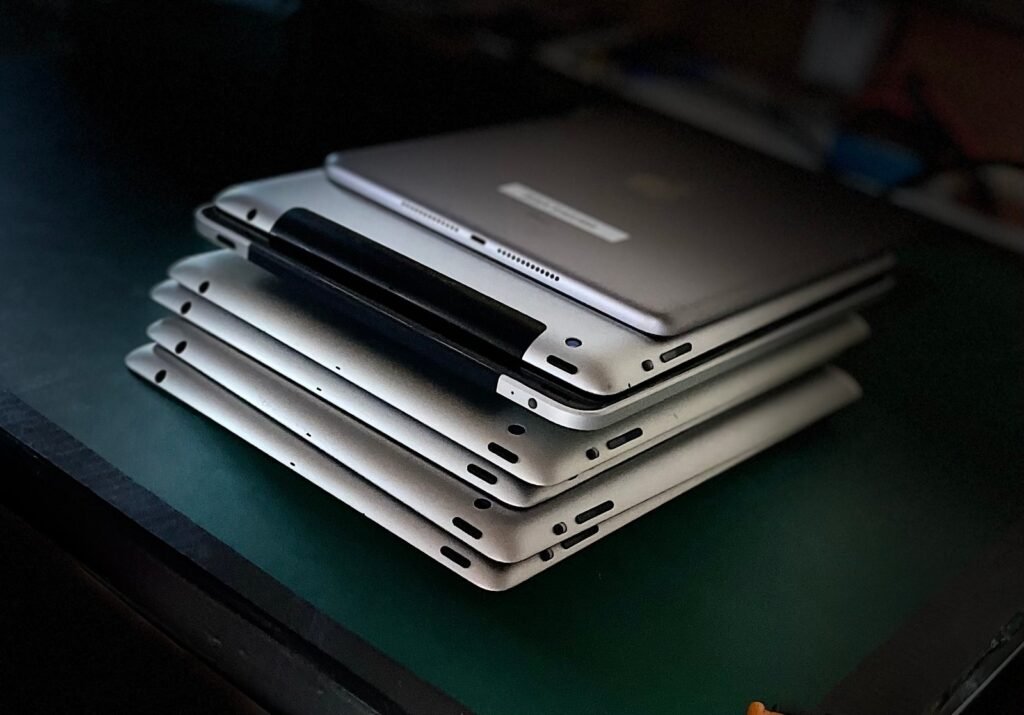
Term 4 is busy. Between reports, prizegiving and end-of-year events, the stack of old Chromebooks in the back of the library can easily get pushed to next year. If you sort it before the summer holidays, though, you start Term 1 with clear cupboards, a tidy asset register and one less job hanging over you.
Here’s a simple plan for principals, business managers and school IT staff who want to deal with old classroom devices before the end of the year.
Why do it before summer?
Devices that sit in a storeroom over the holidays don’t get any more useful. Batteries age, chargers go missing, and the people who know which devices are which may not be around in February. Clearing them in Term 4 means:
- Your storage space is free for new deliveries and Term 1 set-up.
- Your asset register matches what’s actually on site when the new year starts.
- Staff who know the history of each device are still around to answer questions.
- Working gear can go on to a second life sooner, rather than sitting idle.
Step 1: Round up what you’ve got
Start with a quick walk-around. Check classrooms, the library, the IT cupboard, the staffroom and the office. Old devices tend to hide in drawers, trolleys and under desks.
Group things roughly: Chromebooks and laptops, tablets, desktops and monitors, and odds and ends like chargers, keyboards and cables. You don’t need a perfect list, and our easy pick-up form only asks for a rough idea of what you have. A rough count also makes it easier to tick things off your asset register later.
Step 2: Decide what stays and what goes
Before you hand anything over, check with your leadership team or IT provider about what needs to stay. Some devices might still be under a lease or tied to a Ministry or provider programme, so it’s worth confirming before they leave the school.
For everything else, a simple rule helps: if it’s not going to be used next year, it’s ready to go.
Step 3: Release devices from management
Many school Chromebooks are enrolled in a management console. If your team or IT provider can, it helps to deprovision or release devices you’re getting rid of, so they can be reset and reused. If you’re not sure how, or you have a lot of devices, just let us know when you book and we’ll talk it through with you.
Step 4: Data security, sorted
Student work, staff logins and school records can all live on old devices. When you use Infinite Recycling, every data-bearing device is wiped, and the school chooses the level of security. If you need proof for your records, certified data erasure is available.
We covered this in more detail in our recent post, Deleting Files Isn’t Enough, so we won’t repeat it all here.
Step 5: Reuse first, then recycle
We always look at reuse first. Devices that still have life in them are tested and refurbished so they can keep going. Useful parts are recovered from devices that can’t be refurbished, and the rest is recycled responsibly so it stays out of landfill.
Where we can, we also give back to charity, so good tech keeps doing good in the community. It’s a nice story to share with your school community too, especially if your students have been learning about sustainability this year.
Step 6: Book a pick-up before the end of term
Once you know roughly what you have, fill in our easy pick-up form. Tell us what you’ve got and when suits you, and we’ll confirm the details. If there’s any cost, we’ll let you know before we confirm your pick-up.
Booking early in Term 4 gives you the most choice of times. If you’d like us to collect after students have finished but while staff are still on site, mention that on the form.
A couple of quick notes:
- Please don’t include loose batteries on their own.
- You don’t need to sort everything perfectly. A rough idea of what you have is plenty to get started.
Where we can help
Infinite Recycling is based in Pahiatua and Palmerston North. We collect from schools, businesses, organisations and homes across Manawatū, Whanganui, Hawke’s Bay and Wairarapa, and we can travel further for bigger loads.
Ready to clear the cupboard?
Give us a call on 020 4178 9006, send us a message through our contact page, or book a pick-up online. We’ll help you finish the year with one less thing on the to-do list.